• By Pushpendra Singh
  • April 3, 2012
  • Magento
How to check server compatibility for Magento

If you are looking to run Magento site in your website. First you should confirm that you have magento compatible web server. You can check the System requirement from here.

You can check the server compatibility with following steps

  • Download the Magento Compatibility Check file to your computer and extract the zip file.
  • Upload the magento-check.php file to your server
  • Run the file from your browser.

If everything will be fine you will get the result something like below image:
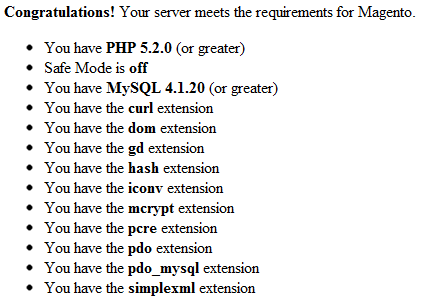
Magento Compatibility Check Result