- By Pushpendra Singh
- October 3, 2012
- Magento
Are you looking for adding new language in your Magento store.
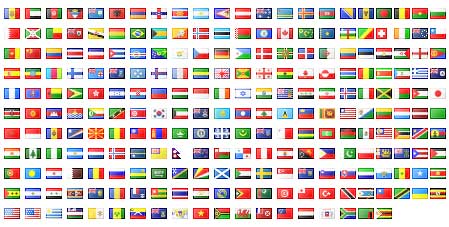
Follow these easy steps and enjoy your multilingual site :
- Go here: http://www.magentocommerce.com/translations
- Select the language which you want to add
- Download the package and upload the files on your server. You can download the desired translation through Magento connect via admin.
- Once installed Go to: System -> Manage Stores -> Create store view. Enter the data and save.
- Now go to: Configuration -> Current Configuration Scope (Select your language from the dropdown) and on the right side under “Locale options” choose the desired language.
- Clear the cache.
That’s it, now when you go to the frontend of the site, you’ll notice a dropdown menu allowing the language switching.
Thanks for reading 🙂

